
It seems as though every Kindle owner and their mom has been served this video about jailbreaking your Kindle by creator Dammit Jeff on YouTube.
But do you actually need to? The conversation around this topic is a little more complex than it may seem at first glance. It appears there’s also a lot of confusion around what jailbreaking actually does for the device, so let’s demystify it.
You (Probably) Don’t Need To Jailbreak Your Kindle
Most of the features that people think jailbreaking can offer are actually just things you can do with the help of a very useful open-source program called Calibre. You don’t need to jailbreak your Kindle if any of the following sounds like what you want:
- You have a Kindle but no longer wish to support Amazon
This can be a very hard goal to achieve, but is possible if you’re diligent. Certain publishers, like Tor Publishing Group and its imprints, sell their e-books without DRM (Digital Rights Management) protections applied.
Why is DRM important?
Let’s say you were to buy an e-book from Bookshop.org and this book had DRM protections on it. You could not put this book on your Kindle and would be forced to use Bookshop.org’s service anytime you wanted to access that particular book in the future. This means if you lose access to the retailer, you lose access to your books.
DRM is usually applied by the retailer (ie Amazon, Bookshop.org, Books-A-Million) to lock a consumer into using whatever app or service they provide to read books purchased through them. The argument they use is that DRM helps prevent pirating of books. This is just not true. All of these retailers have DRM that’s been cracked, so pirates will pirate regardless. It’s simply an anti-consumer practice.
Publishers can opt out of DRM being applied on their books, but many don’t. Tor Publishing moved to DRM-free e-books in 2012 and has reported that they’ve had no discernable increase in pirating since that decision was made.
- You only want to download books you acquired by means other than the Kindle store
Calibre can convert any DRM-free book file to Amazon’s AZW3 format for you. So any book you have in a PDF, EPUB, etc format can easily be converted and downloaded to your Kindle using the Calibre application.
- You want to customize the covers of your DRM-free books
If you don’t like the look of the cover that came with your e-book, don’t worry. Calibre lets you alter the metadata of any book you add to it which includes book covers.
- You want to customize your lock screen (kindles without ads)
This also only needs the Calibre program to accomplish and it’s super easy to do. A tutorial can be found here.
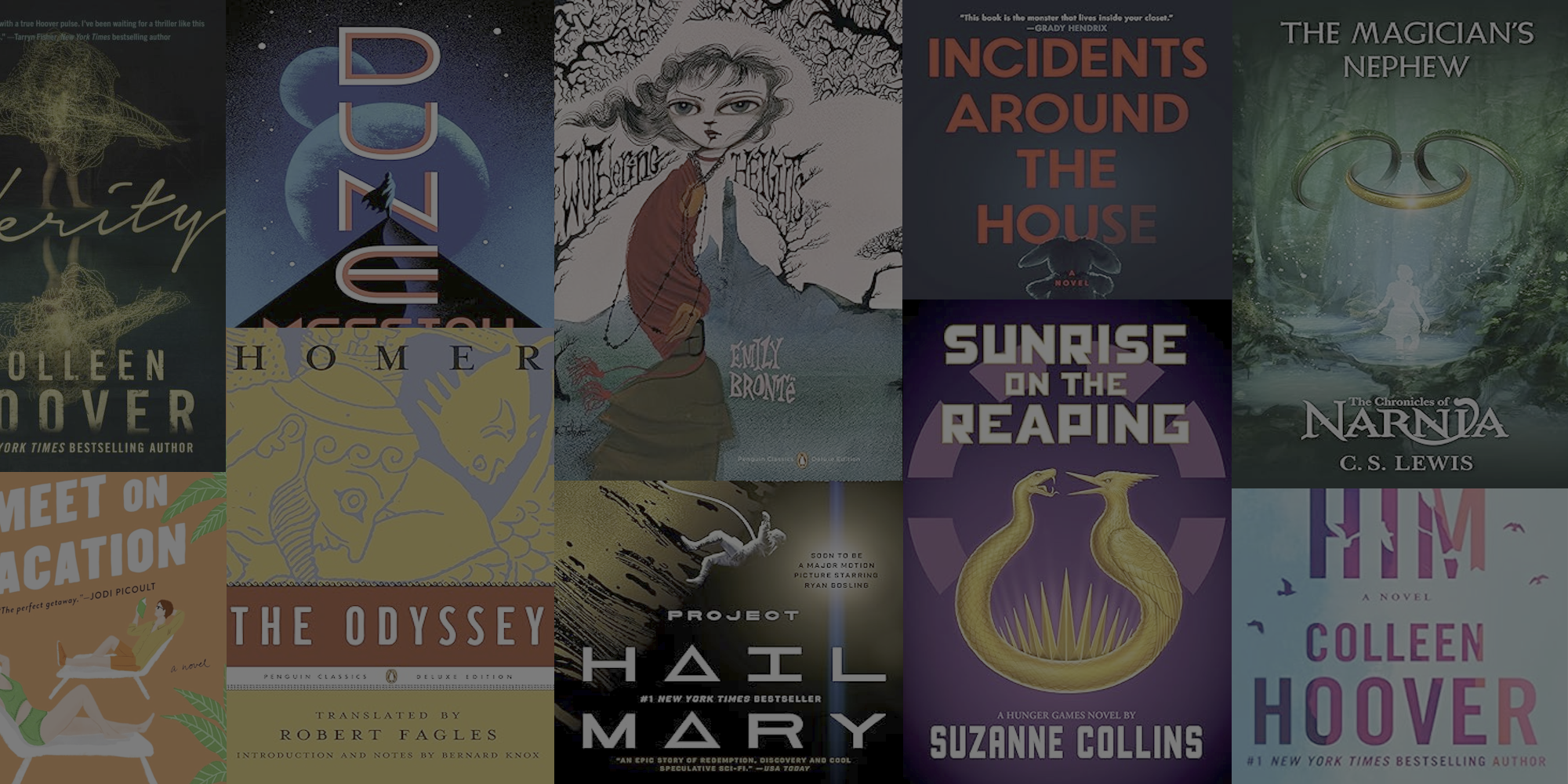
Here’s my customized lock screen:

- You want to add additional fonts
This can easily be done by downloading the font and dropping it into the fonts folder on the Kindle.
A more in depth tutorial can be found here.
Why You Should Jailbreak Your Kindle
Jailbreaking your Kindle doesn’t really offer a ton of features on its own, but it does offer further customization options that aren’t available on an unmodified Kindle. You may want to jailbreak your device if:
- You want more comprehensive reading features and statistics
For some reason, Amazon decided to not put any sort of reading statistics function on their Kindle devices. So, if you want to track things like time spent reading, total pages read, pages per day, etc., jailbreaking is a good option.

- You want dark mode on Kindles that don’t support it
KOReader has a feature called night mode which can be used on any Kindle–even models that don’t natively support it.

- You want to download your books from Calibre to your Kindle over Wi-Fi
Keep in mind that jailbreaking doesn’t allow any of these features to be used on the normal Kindle OS and will only be able to be used with KOReader. This means that any books on your Kindle bought through Amazon that are DRM-protected will not be able to be viewed using things like dark mode.
If you’re interested in jailbreaking your Kindle, instructions on how to do so can be found here. (Note: Kindles that have been updated to firmware version 5.18.1 are currently unable to be jailbroken.)
The Takeaway
I think the discussion of jailbreaking can’t be had without mentioning DRM. Many of the features people primarily want (transferring books to different devices, creating digital backups of book purchases, changing book covers, etc) can only be done with DRM-free copies.
We should be pushing e-book retailers to drop DRM from being put on the e-books they sell, we should be pushing for publishers to request their e-books be sold without DRM applied, and we should support the publishers (like Tor) that do.
Jailbreaking seems to be a bit of a fad in the community right now, but it still serves a purpose for further customization and is a good springboard for discussions on consumer rights.


Leave a Reply